Start with a customer event and a measurable outcome
Automation is not a scheduled blast with extra steps. A useful workflow begins when a meaningful event occurs, checks whether the person is eligible, sends or waits based on context, and exits when the intended outcome is complete.
For every workflow, document the trigger, audience, goal, messages, delays, conditions, exit event, suppression rules, owner, and success metric. Then test with internal profiles before enrolling customers.
Workflows 1–3: acquisition and early activation
1. Welcome sequence: confirm the subscription, deliver the promised value, and set expectations. 2. Product onboarding: guide new users toward the smallest actions that reveal product value. 3. Lead nurture: answer common questions and route high-intent prospects toward a useful next step.
These journeys should respond to progress. Stop introductory reminders when the customer completes the action, and avoid sending the same education to someone who has already advanced.
Workflows 4–6: recover purchase intent
4. Abandoned cart: remind a shopper about selected items after a sensible delay. 5. Browse abandonment: follow up on meaningful product interest without pretending the person added an item to a cart. 6. Trial activation: identify unused features or incomplete setup and guide the user toward an activation milestone.
Use inventory, purchase, and activity events to exit people immediately when the context changes. Frequency caps are especially important because several recovery journeys can otherwise overlap.
Workflows 7–10: strengthen the customer relationship
7. Transactional follow-up: add useful next steps after a receipt or confirmation without delaying the essential message. 8. Post-purchase education: help the buyer set up, use, or care for the product. 9. Review request: ask after the customer has had enough time to experience the outcome. 10. Replenishment reminder: estimate when a consumable product may need replacing and let behaviour override the estimate.
The customer should be able to tell why each message arrived. Use purchase and support data carefully so the automation feels attentive rather than intrusive.
Workflows 11–13: grow and protect recurring revenue
11. Cross-sell or next-best action: recommend a genuinely complementary product or feature. 12. Renewal reminder: explain the renewal date, value, and available choices before a subscription changes. 13. Payment failure recovery: notify the customer, provide a secure update path, and stop reminders as soon as payment succeeds.
Revenue workflows require precise event handling. Avoid public payment details, use secure links, and coordinate transactional notices with marketing frequency so a customer in a billing problem does not simultaneously receive an insensitive promotion.
Workflows 14–15: win back interest or end responsibly
14. Win-back sequence: invite a previously active customer to return using relevant history and a clear reason. 15. Re-engagement and sunset: ask inactive subscribers whether they still want email, then suppress people who do not respond.
A sunset workflow can reduce list size while improving audience quality and reputation. Keep suppression durable across imports and tools so an inactive or unsubscribed person is not accidentally added back.
How to prioritise and improve the 15 workflows
Prioritise by customer value, event reliability, audience size, and implementation risk. Most teams should begin with welcome, onboarding, abandoned cart or trial activation, post-purchase, payment failure, and re-engagement before building elaborate branching.
Measure each workflow against its purpose: activation, completed purchase, retained subscription, recovered revenue, repeat purchase, or healthy list quality. Review failures and control groups where practical, and change one major variable at a time.
Common questions
Which email automation workflow should a business build first?
Start with a frequent, valuable customer moment supported by reliable data. Welcome, onboarding, purchase follow-up, payment failure, and abandoned-cart journeys are common starting points, but the best first workflow depends on the business model.
How many emails should an automated workflow contain?
Use only as many messages as the customer needs to complete the goal. Define exit conditions and frequency caps so a completed action or another active journey stops unnecessary follow-ups.
Can email automation include SMS and WhatsApp?
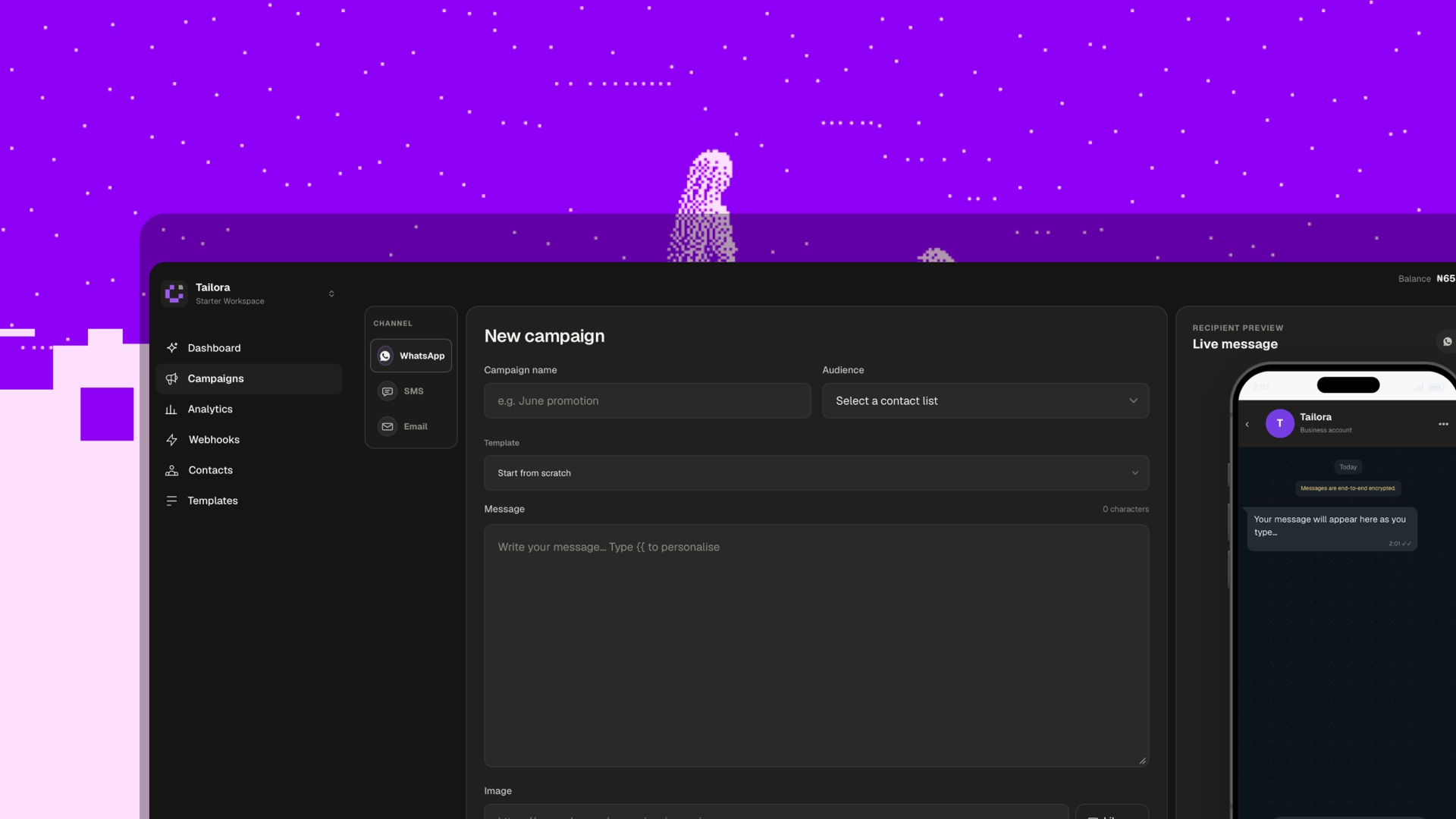
Yes. A customer journey can use multiple channels when each has a clear role, the customer has given appropriate permission, and cross-channel suppression prevents repetitive messaging.